How to Write a Google Business Profile That Gets Home Care Leads
Turn your Google Business Profile into a consistent home care lead engine.

Sage Care Editorial
Content & Communications Team
Your Google Business Profile is often the first thing a family sees when they search for home care in your area. If it is incomplete, outdated, or generic, you are losing leads before they ever contact you.
Most families begin their search online. According to a Sage Care survey of 500+ home care consumers, 29% turn to Google first when looking for an agency, and 51% say Google reviews are their most trusted source when evaluating options. For small agencies competing in a crowded local market, your Google Business Profile is not just a directory listing. It is a lead generation tool, and it costs nothing to use it well.
This post walks through exactly what to put on your profile, how to write it, and what most agencies get wrong.
Why Your Google Business Profile Is Your Most Valuable Home Care Local SEO Asset
Home care is an intensely local business. Families search for agencies near them, near their loved one, or within a specific zip code. Google Business Profile (GBP) is the primary mechanism Google uses to serve those local results, including the "map pack" the three business listings that appear at the top of most local searches.
Ranking well in that map pack drives clicks, calls, and form submissions. And unlike paid ads, a well-optimized profile keeps working for you around the clock without ongoing spend. For small agencies trying to compete with larger players on home care marketing, this is one of the highest-ROI moves you can make.
Step 1: Get the Basics Right
Before anything else, make sure your profile is complete and accurate. This sounds obvious, but it is the most common mistake agencies make.
Check every field:
Business name — Use your legal agency name exactly. Do not stuff keywords into it (Google may penalize this).
Address and service area — If you serve clients at their homes, set a service area radius rather than just your office address. Add every city and zip code you actively serve.
Phone number — Use a local number if possible. Families in your area trust local numbers more than toll-free ones.
Website — Link directly to your homepage or a dedicated local landing page.
Hours — Keep these current. If your office is closed on weekends but you accept inquiries, say so.
Category — Your primary category should be "Home Health Care Service" or "Home Care Service." You can add secondary categories like "Senior Care Service."
Consistency matters here. Your name, address, and phone number should match exactly across your website, any online directories, and your GBP. Inconsistencies confuse Google and suppress your local ranking.
Step 2: Write a Business Description That Actually Converts
Your business description (up to 750 characters) is one of the few places on GBP where you control the narrative. Most agencies waste it with generic language like "We provide compassionate care to seniors in the comfort of their homes." That tells a family nothing that makes you different.
A strong description does three things:
States what you do and who you serve, specifically
Establishes credibility (years in business, certifications, service area)
Gives a reason to contact you
Example of a weak description: "We are a trusted home care agency dedicated to providing high-quality care to seniors and individuals with disabilities."
Example of a stronger description: "We provide non-medical in-home care for seniors and adults with disabilities across [City] and [County]. Our caregivers are background-checked and trained, and we offer free in-home assessments. Family-owned and operated. Call us to talk through your options at no obligation."
Notice the second version is specific, local, and action-oriented. It also addresses what survey data shows families want most: transparency about who your caregivers are and a low-friction first step.
Step 3: Build Your Review Strategy
Reviews are the single biggest trust signal on your GBP. According to Sage Care's consumer research, 51% of families say Google reviews are their most trusted source when evaluating agencies, and reviews, ratings, and reputation were the top keywords that drove clicks from search results.
A few things to know about reviews:
Quantity and recency both matter. Google's algorithm favors profiles with a steady stream of recent reviews over those with a big batch from years ago. Five new reviews this month beats twenty reviews from 2021.
Ask, and ask at the right moment. The best time to request a review is shortly after a positive interaction, when a family expresses satisfaction with a caregiver placement, or when a client completes their first month of service. Make it easy by sending a direct link to your review page.
Respond to every review. Responding to positive reviews shows you are engaged. Responding to negative ones shows professionalism and gives you a chance to address concerns publicly. Families read both.
One warning: Do not offer incentives for reviews, and do not ask staff or family members to post fake ones. Google detects patterns and can remove reviews or penalize your profile.
Step 4: Use Posts, Photos, and Q&A to Stand Out
Most agencies set up their GBP once and never touch it again. The ones that rank consistently treat it like an active channel.
Google Posts: You can publish short updates directly on your profile, similar to social media posts. These appear in your listing and can highlight things like a free assessment offer, a new service area, or a seasonal tip for family caregivers. Posts expire after seven days, so aim to publish at least twice a month. This signals to Google that your business is active.
Photos: Profiles with photos get significantly more clicks than those without. Add photos of your office, your team, and (with permission) caregivers in the field. Avoid stock photography. Real images build trust. Families want to see the actual people who might care for their loved one.
Q&A section: Anyone can ask a question on your GBP, and anyone can answer. Seed your own Q&A section by asking and answering common questions yourself, things like "Do you offer a free in-home assessment?" or "What areas do you serve?" This also helps your profile appear for long-tail search queries.
Step 5: Optimize for What Families Are Actually Searching
Home care local SEO is not just about ranking for "[your city] home care agency." Families often search in more specific ways:
"Non-medical home care [neighborhood name]"
"24-hour home care [city]"
"Alzheimer's caregiver [zip code]"
"Senior companion care near me"
Use these kinds of phrases naturally in your business description, your posts, and your responses to reviews. Do not keyword-stuff. One well-placed phrase in a genuine, readable sentence is worth more than a list of keywords in your description.
Your service area settings also help here. Add every city, town, and neighborhood you serve so Google can match you to hyper-local searches.
What Happens After the Lead Arrives
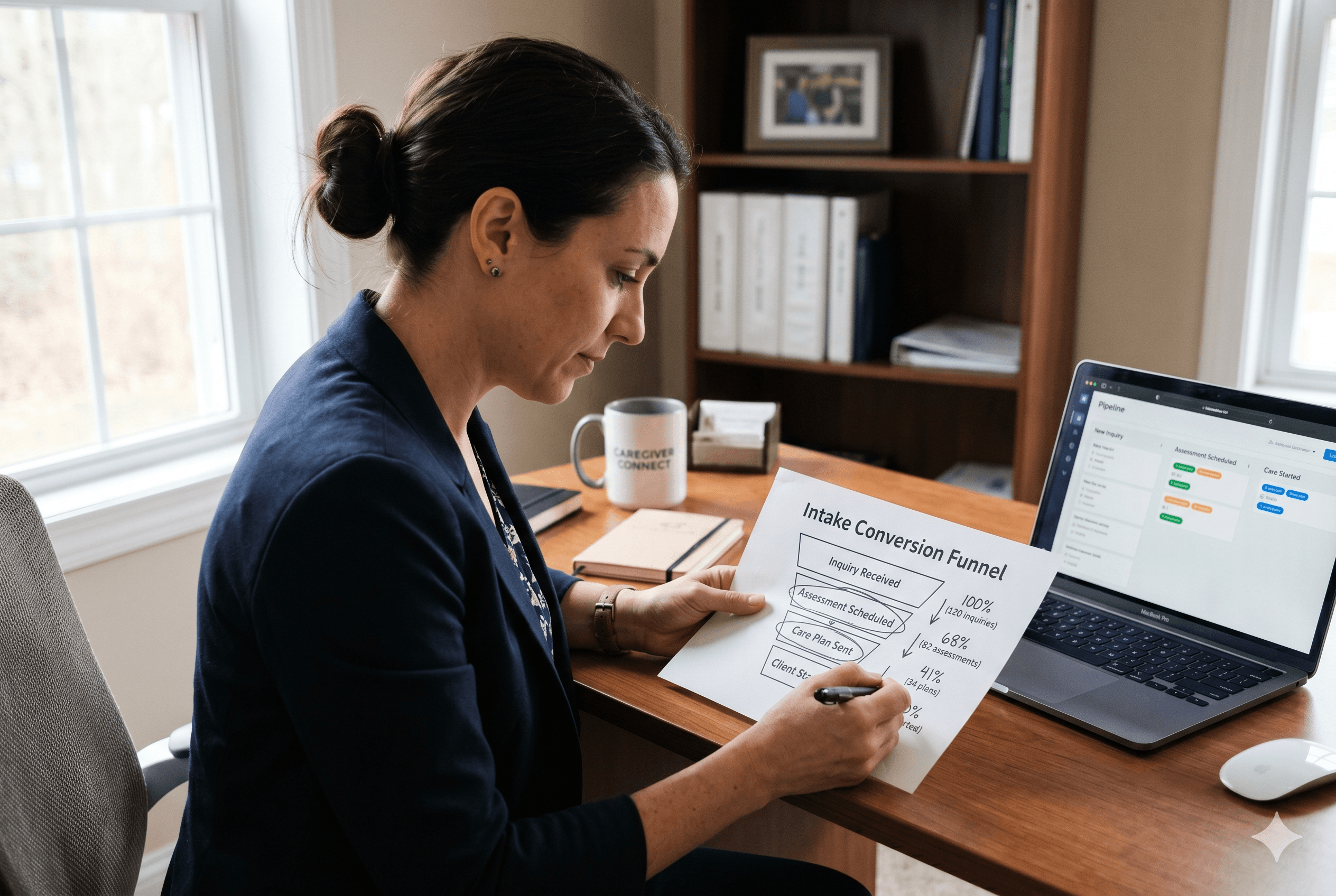
Getting a family to contact you is only half the battle. According to Sage Care's consumer survey, 81% of families expect a response within one hour, and 41% expect one within 15 minutes. Yet 44% of respondents said they waited days for a callback, and 15% never heard back at all.
That gap is where leads die. A well-optimized Google Business Profile drives inquiries. But if those inquiries go unanswered or get buried in your inbox, the effort is wasted.
For agencies that want to strengthen both their home care marketing and their intake workflow, read this guide on building a full-funnel client acquisition approach for home care agencies. The front-end visibility and the back-end responsiveness have to work together.
This is also where tools like Sage Care help. After every call or inquiry, Sage Care generates AI-powered follow-up drafts, summary notes, and care plan records so your team can respond quickly and professionally without spending 20 minutes on admin after every conversation.
Start Converting the Leads You Are Already Getting
A strong Google Business Profile brings families to your door. What happens next depends on how well your intake process works.
Sage Care helps home care agencies turn inquiries into clients faster, with AI-generated follow-up drafts, call notes, and intake records that take minutes instead of hours. You can try it free for 30 days.
Schedule a demo to see how Sage Care can help your agency respond faster and convert more leads.
FAQs
How long does it take for a Google Business Profile to start ranking?
It typically takes four to eight weeks to see movement after optimizing your profile, though results vary based on competition in your market and how complete your profile is.
Does my home care agency need a physical office to use Google Business Profile?
No. If you operate out of your home or do not have a public-facing office, you can set a service area instead of displaying an address. This is common for smaller home care agencies.
How many Google reviews does a home care agency need to rank locally?
There is no fixed number, but most local markets become competitive at 10 to 20 reviews with a 4.5-star average or higher. In less competitive areas, five strong reviews may be enough to rank well.